Table of Contents
- #The Basics First
- #The Server RAM Difference
- #The Memory Type Hierarchy
- #UDIMM (Unbuffered DIMM)
- #RDIMM (Registered DIMM)
- #LRDIMM (Load-Reduced DIMM)
- #Why This Matters
- #Decoding RAM Spec Listings
- #The Speed Number Mystery
- #Ranks Explained
- #What Happens When You Mix Speeds
- #Memory Channels
- #Common Pitfalls
- #Putting It Together
- #References
I needed to upgrade the RAM on Winterfell, my homelab server (two HP Z4 G4 Workstations with Xeon W-2123 CPUs). I figured it would be simple.
Turns out, server RAM is a completely different beast from the consumer RAM I was used to buying. This post is my notes while researching RAM for my homelab server.
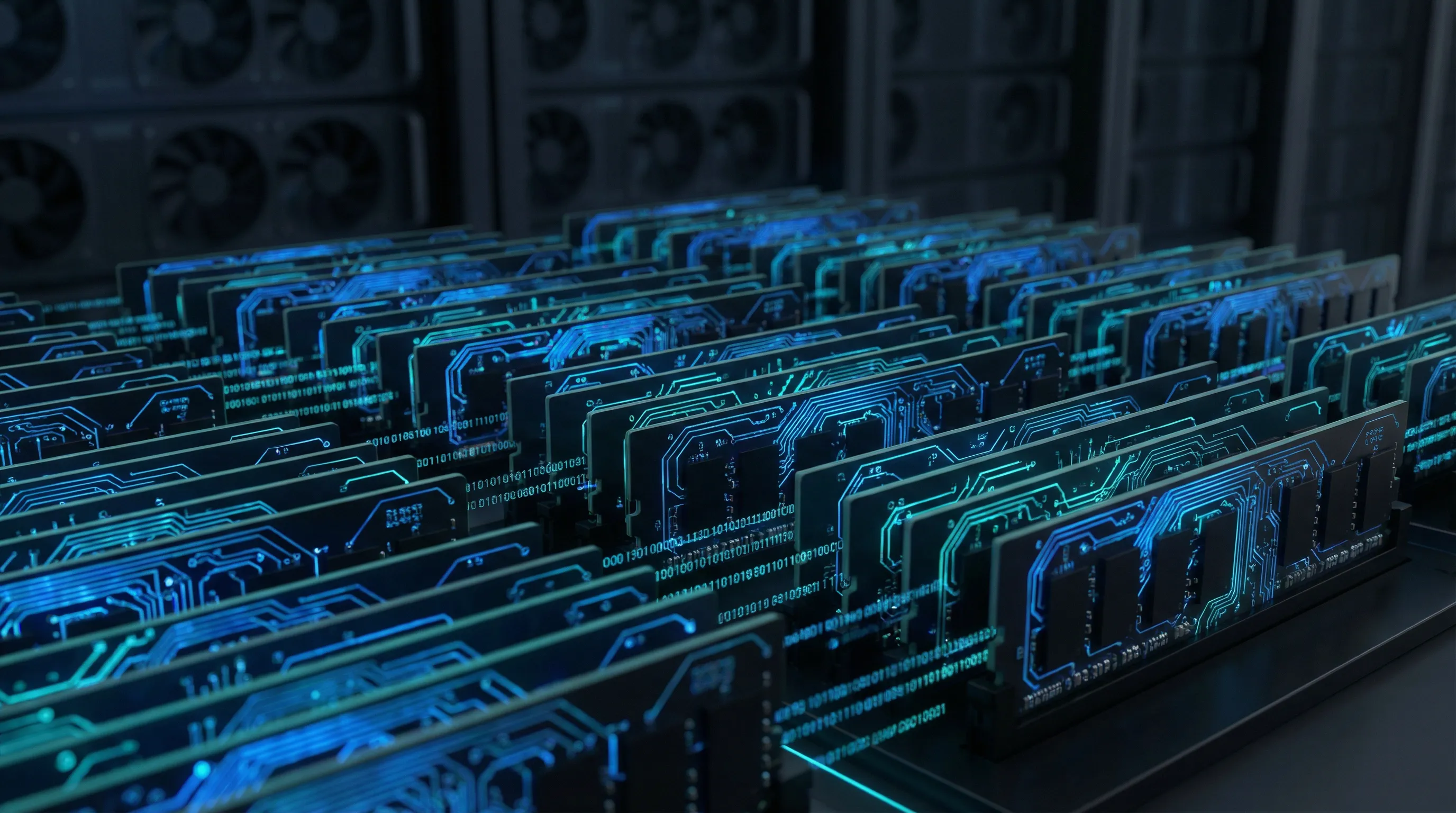
The Basics First
DDR (Double Data Rate) is the type of memory used in computers. Over the years, we’ve had several generations:
- DDR (2000): The original, around 200-400 MT/s
- DDR2 (2003): 400-1066 MT/s, lower voltage
- DDR3 (2007): 800-2133 MT/s, even lower voltage
- DDR4 (2014): 1600-3200 MT/s, 1.2V
- DDR5 (2020): 3200-6400+ MT/s, 1.1V
Each new generation is faster, but not backward compatible. You can’t plug DDR4 into a DDR3 slot just like you can’t force a USB-C cable into a USB-A port. The physical notches on the memory stick are in different positions.
Form factors are simpler. There are really only two you need to know:
- DIMM (288 pins for DDR4): Used in desktops, workstations, and servers
- SODIMM (260 pins for DDR4): Used in laptops and compact systems
If you’re building or upgrading a server or workstation, you want DIMMs. Get this wrong, and the RAM simply won’t fit in the slot.
The Server RAM Difference
When I started researching, I kept seeing “ECC” everywhere. ECC stands for Error-Correcting Code, and it’s one of the key differences between consumer and server RAM.
Why do servers need ECC? It comes down to physics and probability.
RAM is made up of billions of tiny capacitors, each storing a single bit of data. These capacitors can randomly flip their state due to electrical noise, cosmic rays (yes, really), or other environmental factors. This is called a bit flip.
On a consumer machine running for a few hours a day, bit flips are rare enough that you might never notice one. Maybe your game crashes once in a blue moon. Maybe a pixel is wrong for a frame. No big deal.
But servers run 24/7. They often have massive amounts of RAM. And the math starts working against you. With 128GB of RAM running constantly for months, bit flips become a statistical certainty.
ECC RAM includes extra memory chips that store parity information. When data is read, the system can detect single-bit errors and correct them automatically. It can also detect (but not correct) multi-bit errors.
The Memory Type Hierarchy
Beyond just having ECC, server RAM comes in different types that are fundamentally incompatible with each other.
UDIMM (Unbuffered DIMM)
This is what most consumer RAM is. The memory controller in your CPU talks directly to the RAM chips with no middleman. This means the lowest possible latency.
This also means that each additional DIMM adds more load on the memory controller. There’s a physical limit to how many UDIMM sticks you can run before the electrical signals degrade.
ECC UDIMM is the same thing but with error correction. Some workstations support this.
RDIMM (Registered DIMM)
RDIMMs have an extra chip on the module called a register (or buffer). This register sits between the memory controller and the actual RAM chips.
The register takes incoming commands from the memory controller and re-drives them to the memory chips with cleaner, stronger signals. This allows you to install more memory modules without signal degradation.
The trade-off is a small latency penalty (one clock cycle) because every command has to pass through the register first.
LRDIMM (Load-Reduced DIMM)
LRDIMMs take this even further. They have both a register for commands AND a data buffer that sits in the data path. This reduces the electrical load on the memory controller even more, allowing for higher capacity modules.
LRDIMMs are typically used when you need the absolute maximum memory capacity in a system.
Why This Matters
These types are NOT interchangeable
An RDIMM will not work in a system that only supports UDIMM. An LRDIMM will not work in a system that only supports RDIMM. Your system simply won’t boot.
Decoding RAM Spec Listings
Samsung 16GB DDR4-2666 PC4-21300R ECC 2Rx4
- Samsung: The manufacturer (Samsung, SK Hynix, and Micron are the big three)
- 16GB: The capacity per stick
- DDR4: Fourth generation DDR memory
- 2666: The speed rating in MT/s (megatransfers per second)
- PC4-21300: Another way of expressing the speed (more on this in a second)
- R: Registered DIMM (this is crucial!)
- ECC: Has error correction
- 2Rx4: The rank and chip configuration
The Speed Number Mystery
You’ll see speeds written two ways: DDR4-2666 and PC4-21300. They mean the same thing. DDR stands for Double Data Rate. The memory runs at 1333 MHz but transfers data on both the rising and falling edge of the clock signal, effectively giving you 2666 megatransfers per second. PC4-21300 is the theoretical bandwidth in MB/s. You can calculate it: 2666 MT/s times 8 bytes per transfer equals 21,328 MB/s, rounded to 21300.
Ranks Explained
The “2R” means this is a dual-rank module. “1R” would be single-rank.
A rank is essentially a set of memory chips that can be accessed simultaneously. Dual-rank modules have two independent sets of chips. The memory controller can access one rank while the other is being refreshed, which can improve performance slightly.
The “x4” or “x8” refers to the chip width (how many bits each chip contributes to the data bus). For most purchasing decisions, you don’t need to worry about this too much, but mixing different ranks in certain configurations can cause compatibility issues.
What Happens When You Mix Speeds
If you install a 2666 MT/s stick alongside a 2400 MT/s stick, your system will typically run all memory at the slower speed (2400 MT/s). The faster stick won’t run at its full potential.
Not a disaster, but something to be aware of. If you’re buying additional RAM for an existing system, try to match what you already have.
Memory Channels
Memory channels are like lanes on a highway. With single-channel memory, you have one lane for data to flow between the CPU and RAM. With dual-channel, you have two lanes. Quad-channel gives you four.
Xeon processors often support quad-channel memory. My HP Z4 G4 has a Xeon W-2123, which supports quad-channel.
To take full advantage of quad-channel, you want to populate all four channels evenly. This typically means installing RAM in multiples of 4 (4 sticks, 8 sticks, etc.). If you install just one or two sticks, you’re leaving bandwidth on the table. The system will work, but you won’t be getting the full memory bandwidth your CPU is capable of.
My HP Z4 G4s have 8 DIMM slots (2 per channel, 4 channels). To maximize bandwidth, I wanted either 4 or 8 matching sticks.
Common Pitfalls
Here are the gotchas I learned about:
-
Mixing RDIMM with UDIMM: Won’t boot. Period. Pick one type and stick with it. Check your system’s documentation carefully.
-
Buying SODIMM for a desktop/server: Wrong form factor, won’t physically fit. Make sure you’re buying full-size DIMMs (288 pins for DDR4).
-
Mixing ECC and non-ECC: Most systems refuse to boot with mixed types. Some will boot but disable ECC entirely. Either way, not what you want.
-
Getting LRDIMM thinking it’s “better”: LRDIMMs are not compatible with RDIMM-only systems. “Load-reduced” sounds appealing, but if your system doesn’t support it, you’re out of luck.
-
Obsessing over speed: The difference between 2400 and 2666 MT/s is often negligible for most workloads. Getting the right type and sufficient capacity matters more than squeezing out an extra few hundred MT/s.
Putting It Together
For my HP Z4 G4, here’s what I needed:
- DDR4: The generation my system supports
- RDIMM: The Z4 G4 uses registered memory
- ECC: Required for Xeon workstations
- 2666 MHz: The maximum supported speed for my CPU
- 288-pin: Standard desktop/server DIMM form factor
- Multiples of 4: To use all four memory channels
With this checklist, I could quickly filter out any listing that didn’t match.
I ended up going with 4x16GB sticks of DDR4-2666 ECC RDIMM. 64GB total, quad-channel.
That’s it for this post. I hope this helps if you’re going through the same confusion I did.
Thanks for reading! See you in the next one.
References